NFC Tag Ideas: 20 Things to Link a Tap-to-Open Pin To
An NFC tag is a shortcut you can stick anywhere. The trick is picking links people will actually tap, and knowing which ideas need a different kind of tag.

Plenty of NFC tag packs end up with one tag on the fridge and the rest in a drawer. The tag isn't the hard part. Deciding what's worth a tap is.
We build NFC pins for travel maps, so we spend a lot of time on that question. Below are 20 links worth putting behind a tap, grouped by where the tag lives. First, a short explanation of what's actually happening, because it decides which ideas work with which tags.
What an NFC tag does
An NFC tag is a tiny chip with an antenna and no battery. When a phone comes within an inch or two, the phone's own field powers the chip for a moment, and the chip hands over whatever is stored on it. Most of the time that's a link, and the phone opens it in the browser.
Links vs. automations
There are really two kinds of NFC projects, and they need different tags:
- Open a link. Any phone that reads NFC can do this with no setup. This is what our pins are made for, and every idea on this page is a link.
- Run a phone automation, like turning on Do Not Disturb when you tap the nightstand or starting a timer by the coffee maker. That uses blank NFC stickers plus your phone's automation tools (Shortcuts on an iPhone, or an automation app on Android). It only works on your own phone, and it's a great weekend project, but it's a different product from ours.
Our pins come with a built-in link you manage from your account: open Account › NFC Pins, point a pin at a trip, your map or any web address, and change it whenever you like. Please don't rewrite them with an NFC app, because that disconnects the pin from your account.
At home
- The family recipeA pin on the kitchen cork board opens the recipe everyone always asks for.
- Appliance manualsNear the washer or furnace, link the manual PDF. You'll only need it twice a year.
- Chore chartA shared list or doc on the fridge board. Tap to see who's on dishes.
- The family calendarThe shared calendar link, where people actually look for it.
- Plant care notesA short note on watering and light, pinned by the plant that keeps almost dying.
Put the tag exactly where the question comes up. A recipe link in the kitchen gets tapped. The same link in a hallway doesn't.
For guests
- Wi-Fi detailsA private page or note with the network name and password. A link can't join Wi-Fi for them, but it saves spelling it out.
- House guideCheckout time, trash day, how the shower works. Ideal for a guest room or a rental.
- Party playlistLet guests add songs or see what's playing.
- GuestbookA simple form for notes and photos from visitors.
Travel and memories
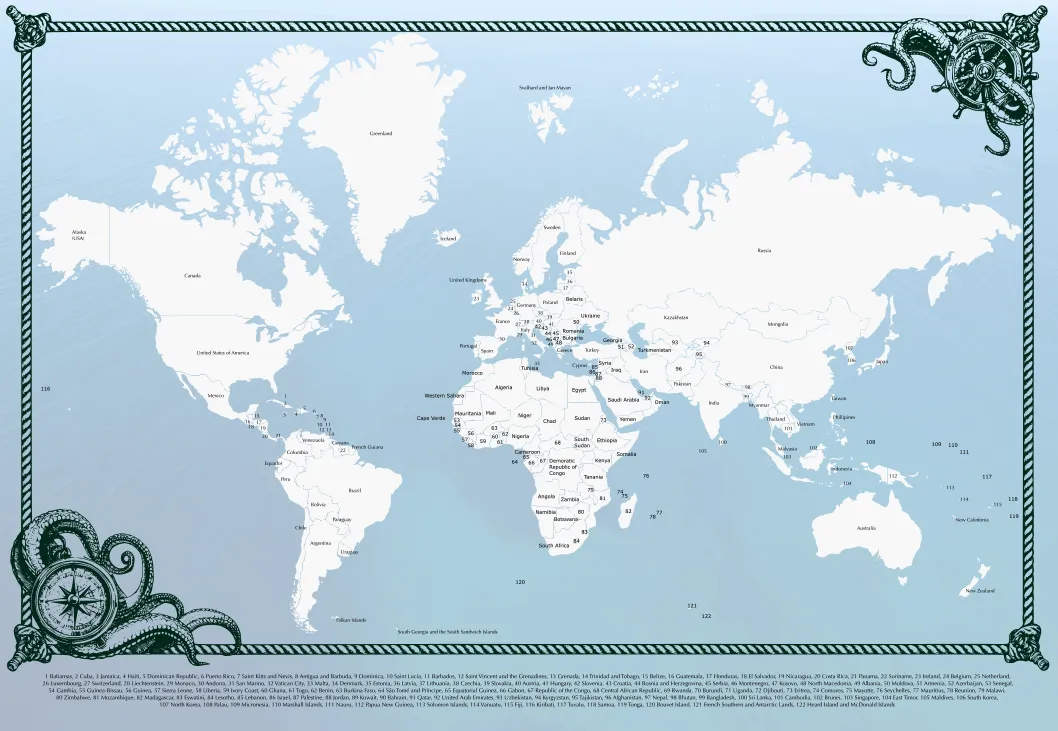
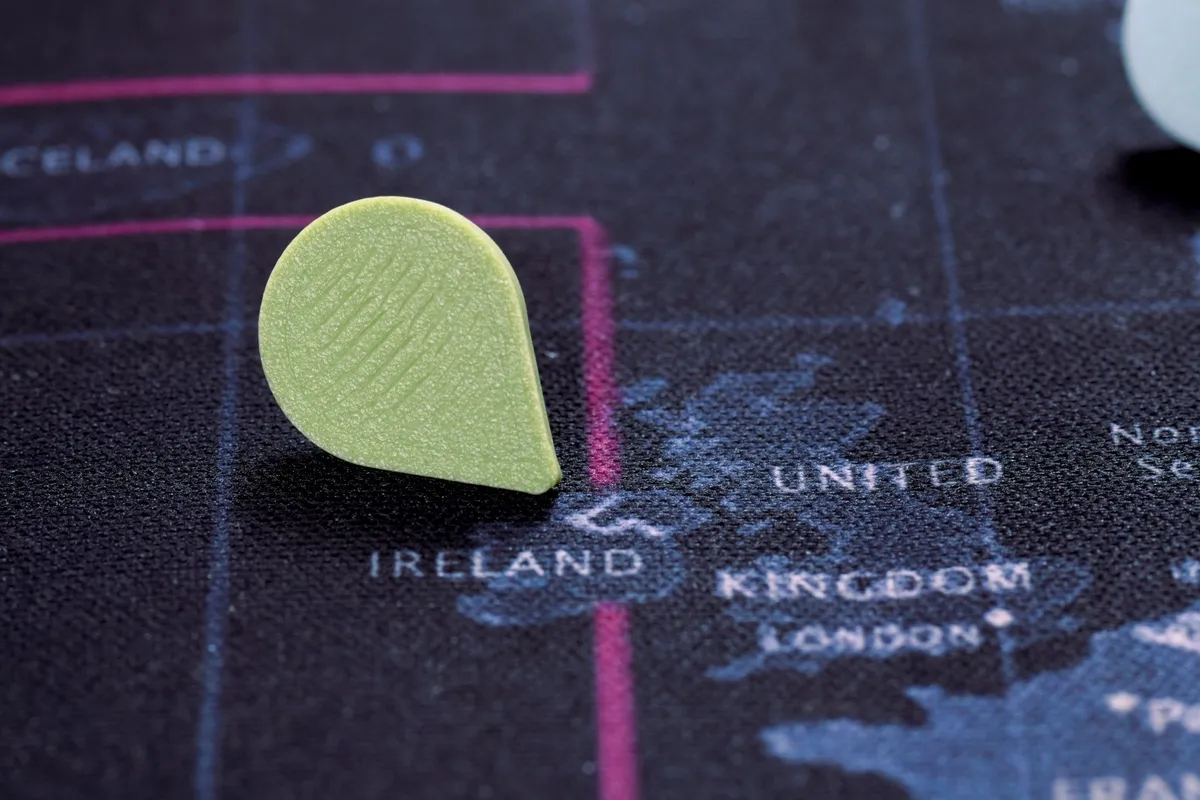
This is where we started. A pin on a map in the living room is already a question waiting to be asked, and the tap answers it.
- A trip pageThe story, the dates and the photos from one trip, opened from its pin on the map.
- A shared albumThe album everyone on the trip added to, one tap from the wall.
- The post or reelThe Instagram post from that trip, for people who already made one.
- A trip videoAn edited clip or a private video link.
- Your running countYour online map with the number of countries or states so far.
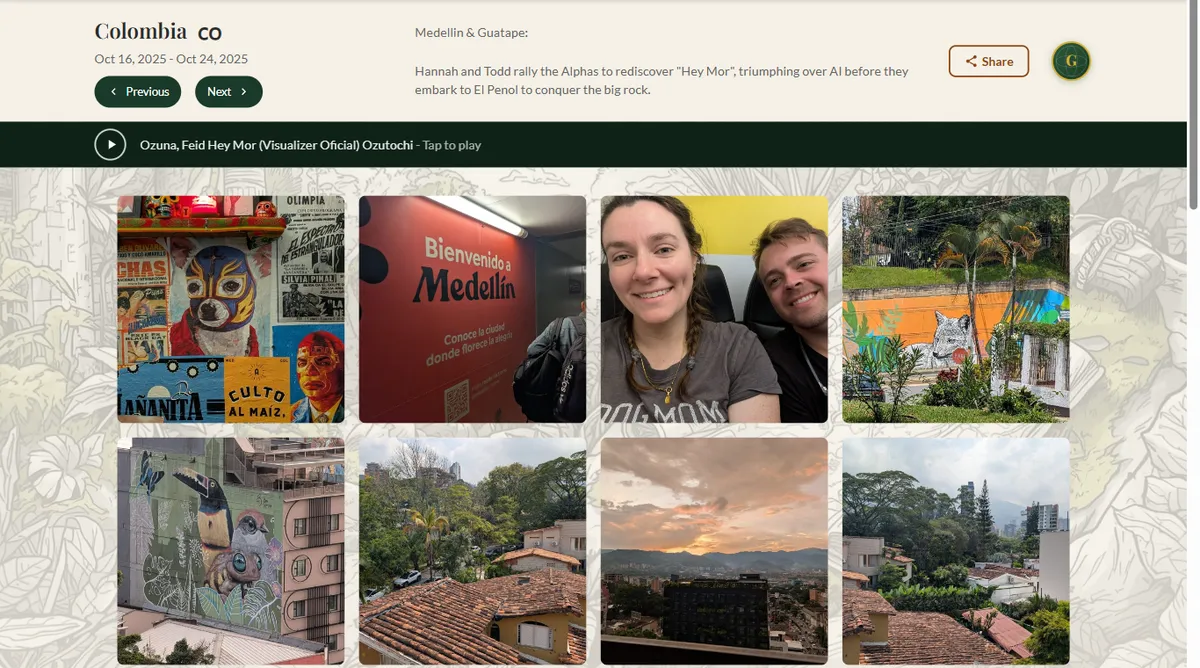
 1. Tap the pin with a phone
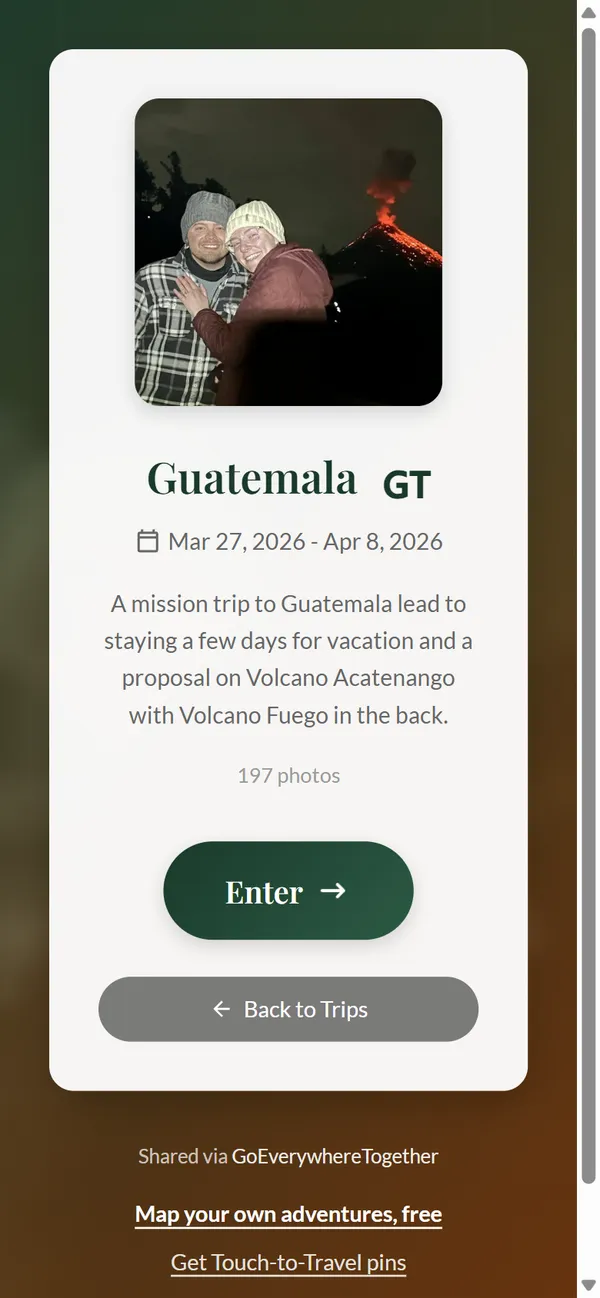 2. The trip opens in the browser
With a free account a pin can open a text trip page, your world map or any link. Trip photo galleries and a song for each trip come with the Globetrotter Club. If sorting photos is the real obstacle, start with our guide on what to do with travel photos.
For kids and family
- Their own trip write-upKids write the trip page; their pin opens it for grandparents.
- A recorded storyA link to a voice recording from a grandparent, tapped at bedtime.
- Geography gameEach pin opens a page about that country. Tap, read, then find the next one.
We go further into this in our guide to a family travel map, including how to keep pins away from toddlers.
Small business and events
- Wedding or event pageA map of where guests traveled from, each pin opening the event site or photo upload page.
- Portfolio or menuA pin on a display board opens your work or today's menu.
- Review linkThe page where customers leave a review, where they're standing when they're happiest.
Three tips before you stick anything anywhere
- Test with the phones your people use. Most recent iPhones and Android phones read NFC, but the sweet spot differs: near the top edge on an iPhone, the middle of the back on most Androids.
- Keep tags off metal. A tag stuck flat on metal often won't read. Cork, wood, fabric and paper are fine.
- Pick links you can update. A shared doc or album you control lasts longer than a link that might break. Our pins can be repointed, so the tag on the wall never has to change.